What our customers need to know and what we are doing for them
May 2026 delivered a significant wave of updates across Microsoft Azure and Microsoft 365, with major enhancements in cloud performance, security, AI capabilities, and developer tooling. Below is a concise, business‑focused summary of everything relevant released
Microsoft 365 — Key Updates
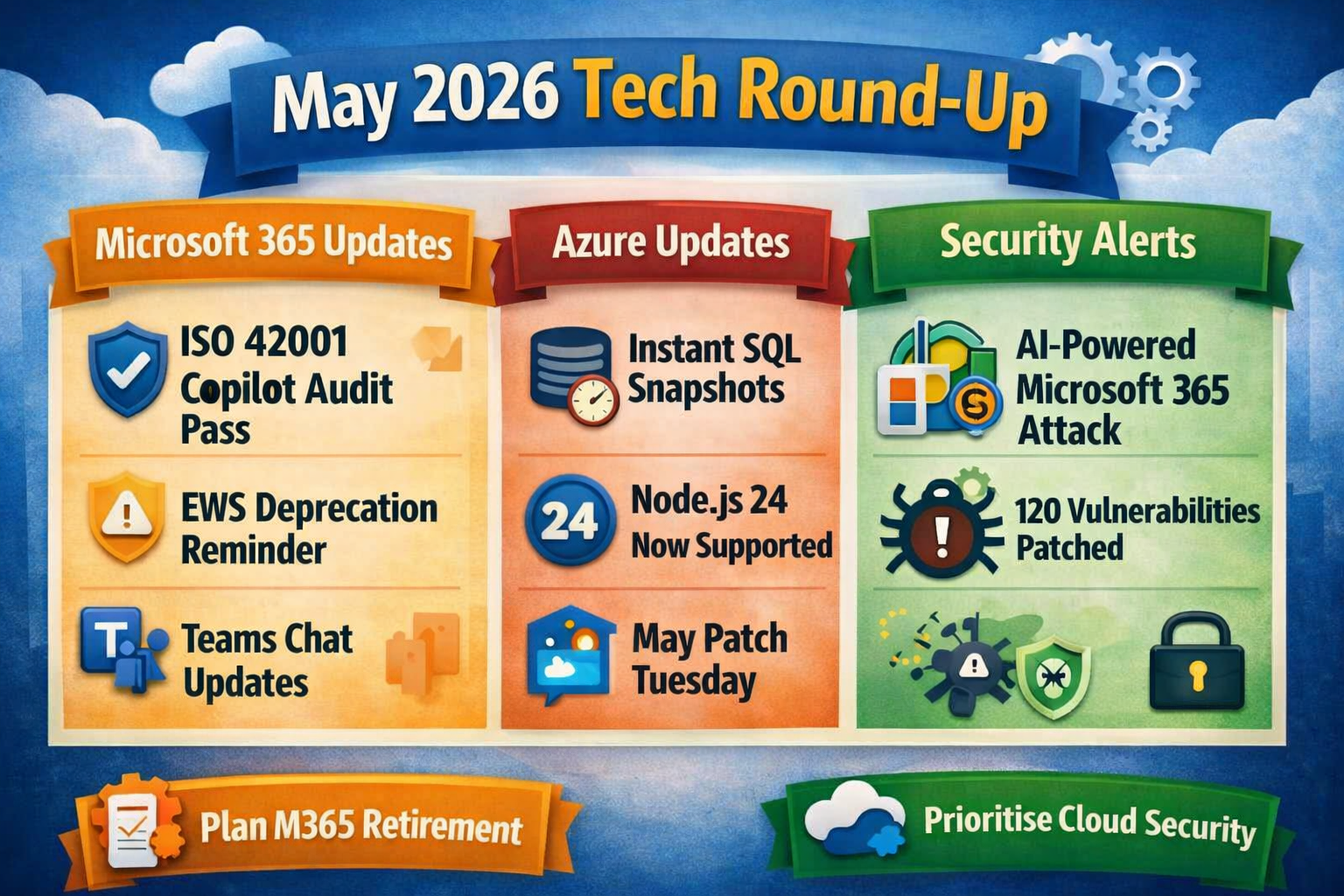
1. Microsoft 365 Copilot: ISO 42001 Audit Pass (Expanded Scope)
Microsoft 365 Copilot achieved a clean ISO/IEC 42001 surveillance audit, with zero non‑conformities. The certification scope now includes Copilot Studio, strengthening Microsoft’s AI governance posture for enterprise customers.
2. Exchange Web Services (EWS) Deprecation Reminder
Microsoft reiterated that EWS requests will be blocked from October 1, 2026, urging organisations to update or replace legacy integrations.
3. Microsoft 365 Apps Update Channel Unification
Beginning July 2026, the Semi‑Annual Enterprise Channel and Monthly Enterprise Channel will merge into a single enterprise update channel. This simplifies update management and aligns feature/security releases.
4. Microsoft Teams: New Chat Sections
Teams introduced two new system chat categories:
Muted Chats (enabled by default)
Meeting Chats (optional)
These help users organise conversations more effectively. Rollout began early May and completes mid‑May 2026.
5. Security Copilot Included in Microsoft 365 E5
Security Copilot is now included in Microsoft 365 E5 subscriptions, with:
- 400 SCUs per 1,000 users
- Agentic experiences across Entra, Intune, Purview, Defender
- Developer tools for custom agents
Rollout runs April 20 – June 30, 2026.
6. FBI Warning: New AI‑Powered Attack Targeting Microsoft 365 Accounts
The FBI issued a May 2026 alert about Kali365, a phishing‑as‑a‑service platform that steals Microsoft 365 access tokens and bypasses MFA by tricking users into entering device codes on legitimate Microsoft verification pages. This attack enables long‑term access to Outlook, Teams, and OneDrive.
Microsoft Azure — Key Updates
1. Azure Backup: Snapshot Backups for SQL Server (Public Preview)
Microsoft introduced snapshot‑based backup support for SQL Server on Azure Virtual Machines, enabling near‑instant full backups with minimal performance impact. This combines Azure Disk Snapshots with SQL transaction log backups, improving backup speed and reducing load on production systems.
2. Azure Functions: Node.js 24 Now Generally Available
Azure Functions added full GA support for Node.js 24, allowing developers to build and deploy modern JavaScript apps across Linux and Windows hosting plans, including Flex Consumption. Remote Build support is rolling out across all public regions.
3. Azure AI: Metrics Advisor Retired (May 18, 2026)
Microsoft officially retired Azure Metrics Advisor on May 18. Customers are directed to Azure Monitor and open‑source anomaly detection tools for equivalent functionality.
4. Azure Cloud Growth & AI Revenue Momentum
Microsoft reported that its AI business surpassed a $37 billion annual revenue run rate, driven by increased Azure usage and deeper integration of AI across cloud services. This reinforces Azure’s position as a leading AI‑enabled cloud platform.
5. Azure Security: Patch Tuesday (May 2026)
Microsoft’s May Patch Tuesday delivered 120 security fixes, including:
- 29 Critical RCE vulnerabilities
- Major fixes across Windows, Office, Azure services, Dynamics 365, and Microsoft 365 apps
- Security patches for Azure Machine Learning notebooks, Logic Apps, Azure Monitor Agent, and Connected Machine Agent
This was one of the most enterprise‑impactful security updates of the year.
Want a tenant‑specific May 2026 impact report?
If you’d like, we can:
- Review your Microsoft 365 tenant,
- Audit your Windows/SharePoint estate, and
- Map your Azure footprint
against these May 2026 changes and produce a short, tailored impact report with priorities for the next 30–60 days.
At ITS+ we can review and audit your current stack (M365 plans, on‑prem vs cloud, any Azure use), and can provide a risk based review and project plan to maintain and secure your IT environment whilst informing and training key users on how changes in IT infrastructure impact their systems use or open up opportunities to update processes with new feature releases. Call us or chat to us via our webchat link if you’d like more information