
Category Archives: Commentary

Microsoft Build 2026

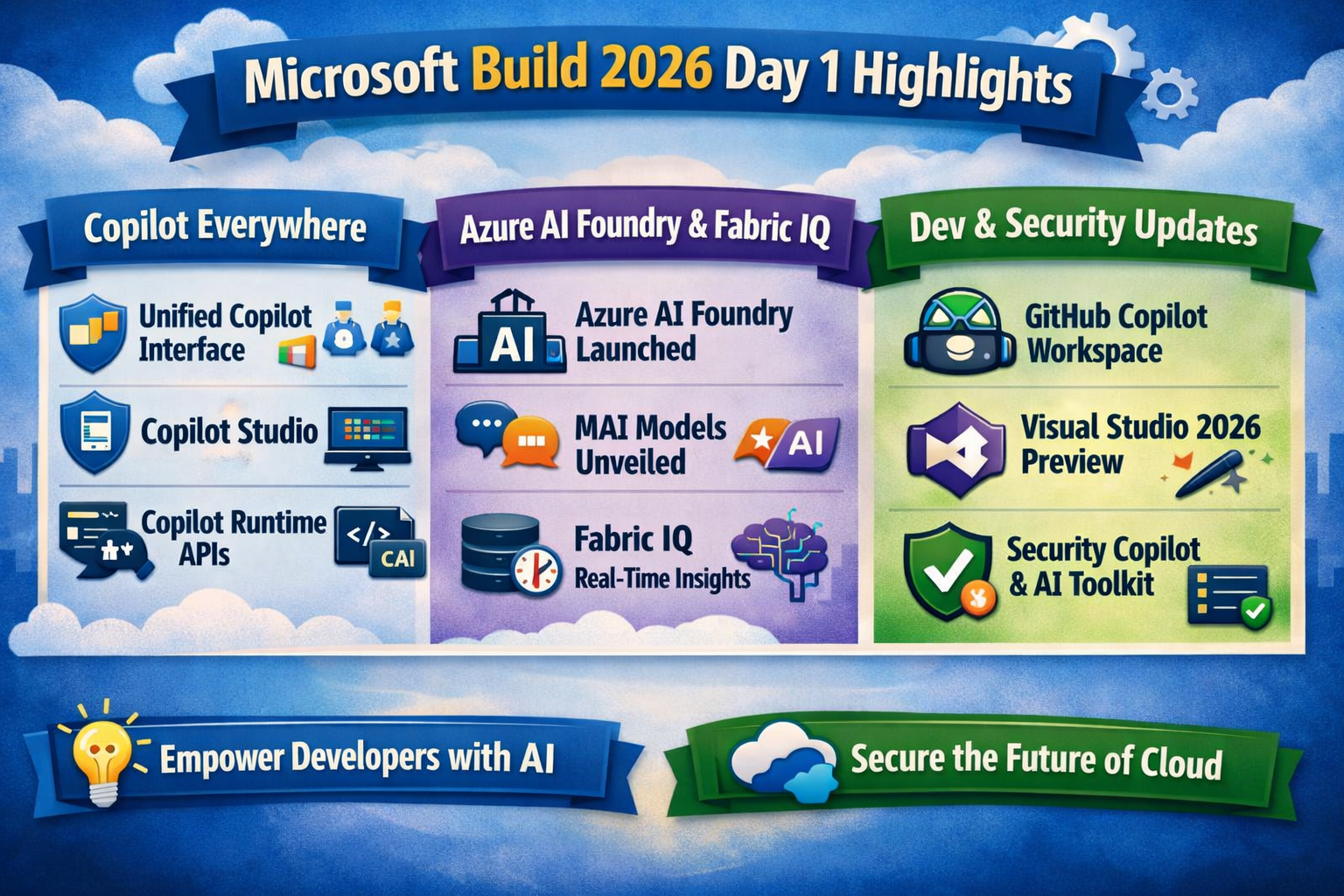
Microsoft Build 2026 opened with a clear message: AI is now the foundation of every Microsoft product and developer experience. Day 1 showcased sweeping updates across Azure, Microsoft 365, and the broader developer ecosystem — all designed to make intelligent automation, secure cloud infrastructure, and agentic AI accessible to every organisation.

Copilot Everywhere — The Unified AI Experience

Microsoft unveiled a unified Copilot experience that merges multiple assistants into a single, cross‑platform interface. Developers can now build, deploy, and manage custom Copilot agents using Copilot Studio, which integrates directly with Azure AI Foundry and Microsoft Fabric.

Key takeaways:

  • Copilot Studio now supports multi‑agent orchestration and custom data connectors.
  • New Copilot Runtime APIs allow developers to embed AI agents into apps, workflows, and websites.
  • Microsoft 365 Copilot gains deeper integration with Outlook, Teams, and Power Platform for end‑to‑end automation.

Azure AI Foundry — Enterprise AI Development Simplified

Azure AI Foundry was officially launched as Microsoft’s central hub for building, training, and deploying AI models. It combines Azure Machine Learning, Cognitive Services, and OpenAI Service under one governance framework.

Highlights from Day 1:

  • New MAI (Microsoft Agentic Intelligence) models for text, image, and speech.
  • Built‑in responsible‑AI compliance tools aligned with ISO 42001.
  • Seamless integration with GitHub Copilot Workspace for collaborative AI development.

Azure Fabric IQ — Real‑Time Data Meets Real‑Time AI

Microsoft introduced Fabric IQ, a new layer within Microsoft Fabric that enables real‑time AI context sharing across data pipelines. This allows organisations to connect live operational data to Copilot agents for instant insights and automation.

Use cases include:

  • Predictive analytics for finance and operations.
  • Real‑time customer sentiment tracking.
  • Automated compliance reporting.

Developer Tools: GitHub Copilot Workspace & Visual Studio 2026

Developers received major upgrades across Microsoft’s toolchain:

  • GitHub Copilot Workspace now supports natural‑language project setup, letting developers describe goals and generate full project scaffolds.
  • Visual Studio 2026 Preview 1 introduces AI‑assisted debugging, code explanation, and security vulnerability detection powered by Azure AI.
  • Power Platform Copilot gains new connectors for Dynamics 365 and third‑party APIs.

🔐 Security & Compliance Announcements

Microsoft reinforced its commitment to secure AI development:

  • Security Copilot expands across Defender, Entra, Intune, and Purview.
  • New AI Safety Toolkit for developers ensures model transparency and ethical data use.
  • Azure Confidential Computing now supports GPU‑based AI workloads, enabling secure model training in regulated industries.

📈 What This Means for MSPs and IT Leaders

For managed service providers and enterprise IT teams, Day 1 of Build 2026 signals a major shift toward AI‑driven service delivery:

  • Expect deeper integration between Azure AI, Microsoft 365, and security platforms.
  • Prepare for new licensing models tied to Copilot usage and AI compute.
  • Begin evaluating AI governance frameworks to align with ISO 42001 and Microsoft’s Responsible AI Standard.

💡 The IT SUPPORT PLUS Insight……….

Microsoft’s Build 2026 announcements confirm that AI is no longer experimental — it’s operational. From Copilot Studio to Fabric IQ, Microsoft is building an ecosystem where automation, compliance, and intelligence converge. For businesses, this means faster decision‑making, smarter workflows, and a new era of secure, scalable cloud innovation.
Welcome…

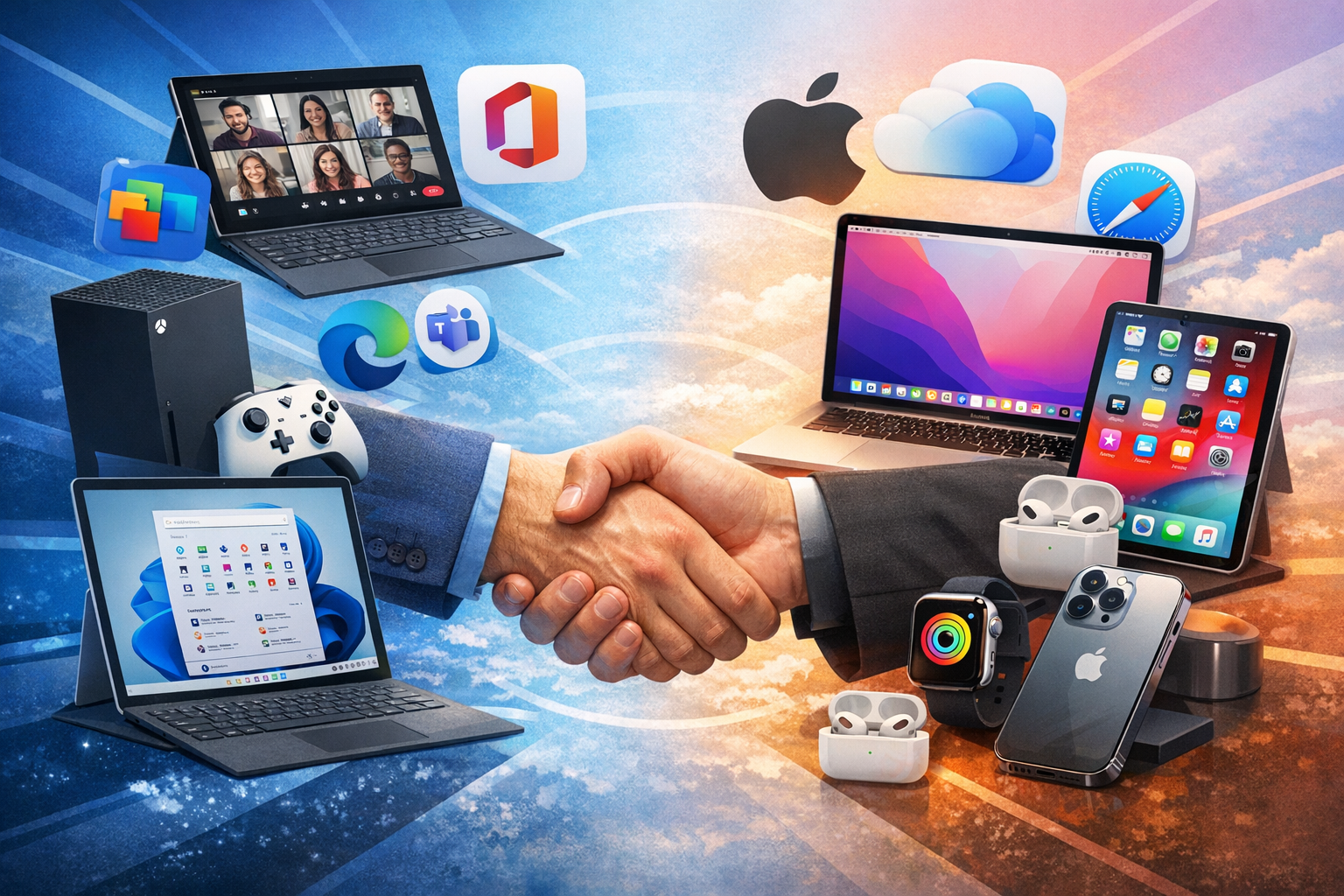
Business Handhake with Microsoft and Apple products

In today’s workplace, technology isn’t just a tool—it’s the backbone of productivity, communication, and growth. Whether your team is running on Microsoft 365, macOS, or a hybrid environment (as most modern businesses now do), the reality is simple: when IT works, your business works. When it doesn’t, everything slows down.

This blog marks the beginning in helping to demystifying IT support for small and medium‑sized businesses. Over the following months, we’ll break down the issues that matter most—from everyday troubleshooting to long‑term strategic planning—so you can keep your organisation secure, efficient, and resilient.

But before we dive into the specifics, let’s set the stage for what you can expect.

Why IT Support Matters More Than Ever

SMBs face a unique challenge: you need enterprise‑grade reliability without enterprise‑grade budgets. You’re expected to support remote workers, secure sensitive data, manage devices across multiple platforms, and keep everything running smoothly—often without a dedicated IT department.

That’s where we and our blog comes in.

Our goal is to give you clear, actionable guidance on the issues that genuinely impact your day‑to‑day operations. No jargon. No fluff. Just practical insights that help you stay ahead of problems instead of reacting to them.

Microsoft & Mac: A Modern Hybrid Workplace

Gone are the days when businesses chose one platform and stuck with it. Today, it’s common to see:

  • Windows laptops in the office
  • MacBooks in creative teams
  • iPhones and iPads in the field
  • Microsoft 365 powering collaboration
  • Azure AD (Entra ID) managing identity
  • Teams and Outlook driving communication

This blend is powerful—but only when it’s managed well.

Supporting both ecosystems means understanding how they interact, where they differ, and how to create a seamless experience for your users. Through us we’ll explore both sides of the fence and show you how to build a unified, secure, and efficient environment.

There’s a lot that we can help you with, and IT is continually evolving so we will also help cover that evolution and we will try and help with the real‑world challenges that SMBs face every day.

  • Device Setup & Management
    • Windows Autopilot vs. Apple Business Manager
    • Standardising builds and configurations
    • Managing updates without disrupting staff
  • Microsoft 365 Essentials
    • Teams best practices
    • Outlook performance fixes
    • SharePoint vs OneDrive—when to use what
    • Securing accounts with MFA and conditional access
  • MacOS in the Workplace
    • Common macOS troubleshooting
    • Integrating Macs into a Microsoft‑centric environment
    • Managing Macs with Intune or Jamf
  • Cybersecurity for SMB
    • Ransomware prevention
    • Password policies that actually work
    • Email security and phishing defence
    • Backups and disaster recovery planning
  • Networking & Connectivity
    • Wi‑Fi optimisation
    • VPN vs Zero Trust
    • Remote worker connectivity challenges
  • Hardware Troubleshooting
    • Slow PCs and Macs
    • Failing drives and data recovery basics
    • Printer issues (yes, they still matter)
  • Cloud Services & Storage
    • Migrating to Microsoft 365
    • Hybrid cloud setups
    • Managing shared drives and permissions
  • IT Policies & Best Practices
    • Onboarding and offboarding checklists
    • BYOD policies
    • Asset tracking and lifecycle management
  • Automation & Productivity
    • Power Automate basics
    • Shortcuts on macOS and iOS
    • Reducing repetitive tasks across the business
  • Strategic IT Planning
    • Budgeting for IT
    • When to outsource
    • Building a roadmap that supports growth

“Your IT Journey Starts Here”

This blog is a place where you can learn, troubleshoot, and plan with confidence. Whether you’re a business owner, an office manager, or the unofficial “IT person” in your company, you’ll find guidance that helps you work smarter, not harder. Technology shouldn’t be a source of stress. With the right knowledge, it becomes a competitive advantage.

Together, let’s make this the year your IT stops being a headache and starts becoming a strength….